Watch Video Guide: OnePlus MSM Download Tool Unbrick
📺 MGUNLOCK OFFICIAL
How to Unbrick Your OnePlus Device
The Ultimate MSM Download Tool Guide
If your OnePlus phone is stuck in a bootloop, completely unresponsive, or displaying a black screen, it is likely “hard-bricked.” While standard fastboot commands won’t work in this state, you can revive your device using the MSM Download Tool.
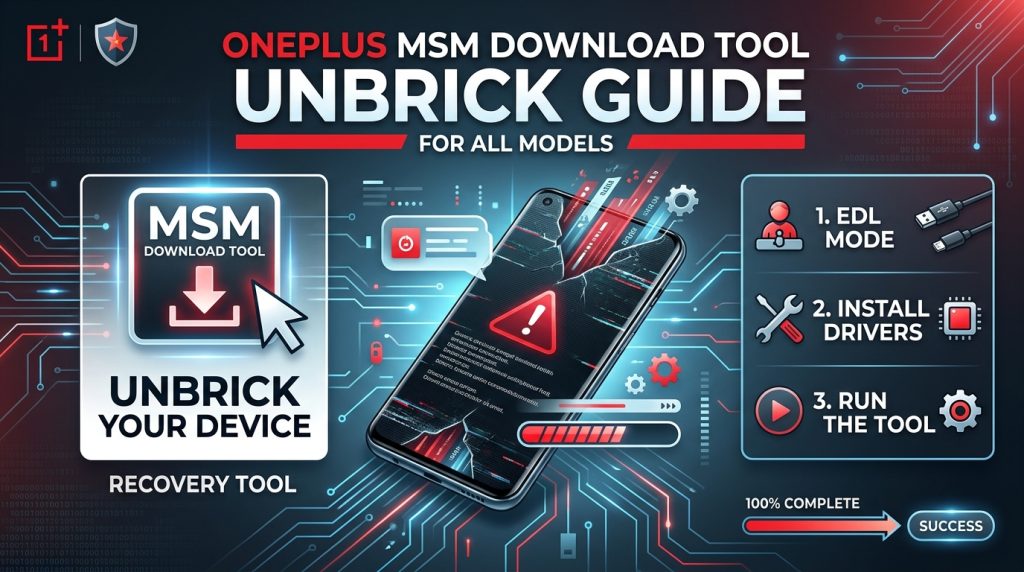
This factory-level utility flashes the stock OxygenOS firmware directly via Qualcomm’s Emergency Download (EDL) Mode.
OnePlus Certified Remote Unbrick Service
Running into driver errors, Sahara protocol failures, or tool authorization locks? Our technical team connects remotely to configure your environment, handle server credentials, and safely unbrick your OnePlus phone back to stock working condition.
- ❌ Full Data Loss: This process completely wipes all storage on your device and re-locks your bootloader.
- ❌ Driver Signature Enforcement: Unsigned Qualcomm drivers will be blocked by Windows unless Driver Verification is explicitly disabled.
- ❌ EDL Timeout: Devices automatically exit EDL mode if flashing doesn’t begin within 10–15 seconds of connection.
- ✔️ Qualcomm USB Drivers: Qualcomm HS-USB QDLoader 9008 drivers installed for PC communication.
- ✔️ Matching Firmware: Exact firmware package for your model and region (NA, EU, IND).
- ✔️ Windows System: Reliable PC running Windows 10 or Windows 11 with driver enforcement disabled.
Step-by-Step Unbricking Guide
MsmDownloadTool_V4.0.exe (or your version’s executable) and select Run as Administrator.
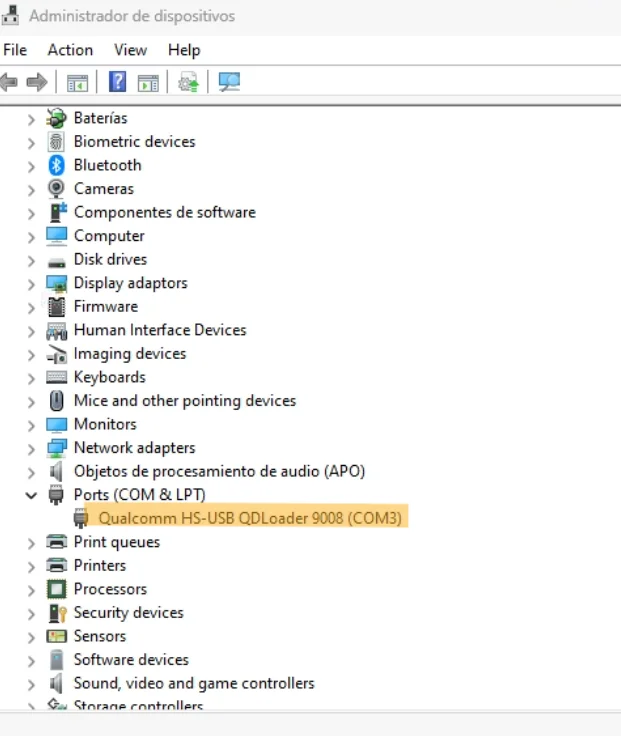
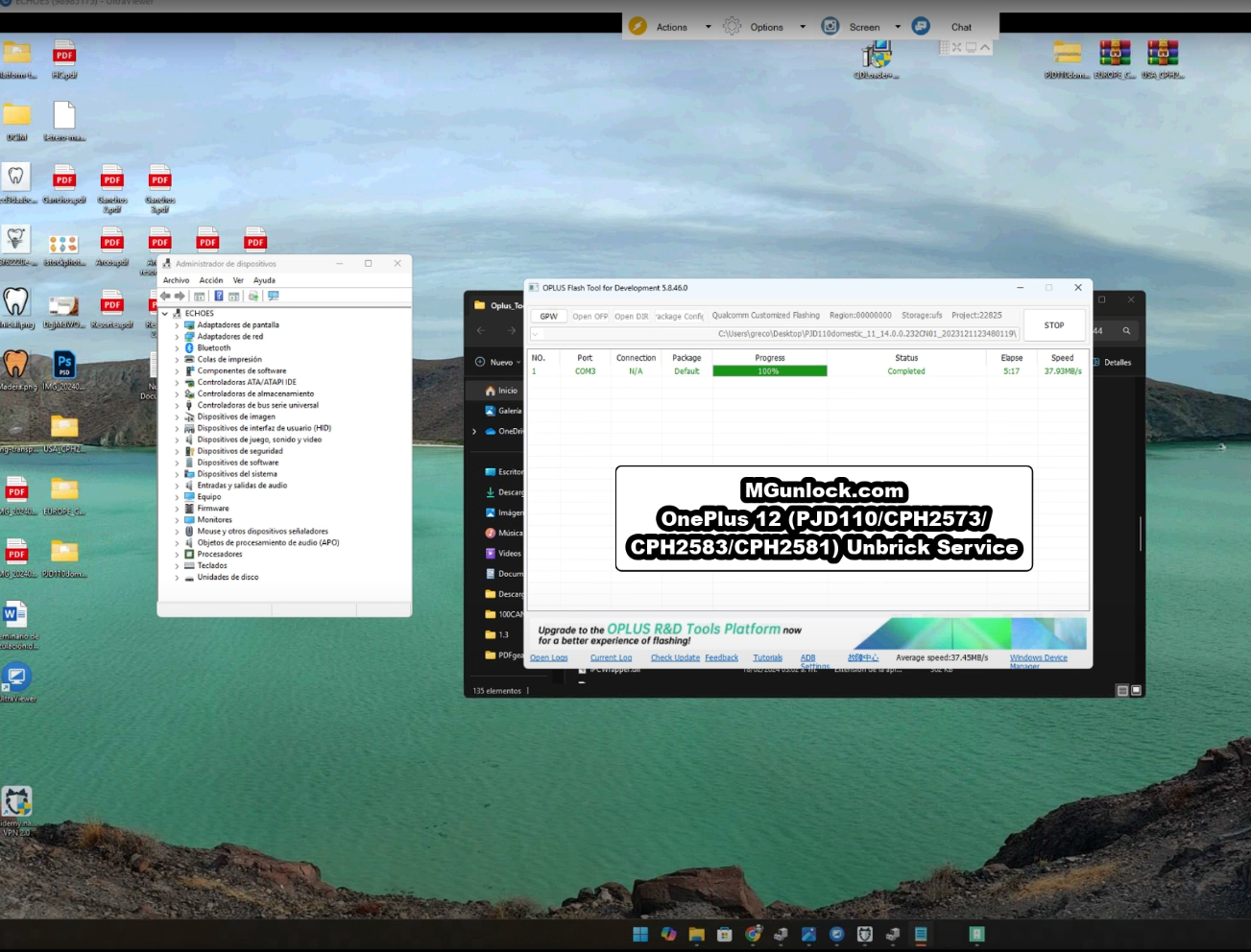
- Download Qualcomm USB Drivers and install with Driver Signature Verification disabled.
- Extract firmware zip and run
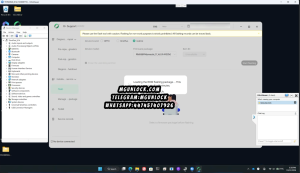
MsmDownloadTool_V4.0.exeas Administrator. - Bypass Login prompt by changing User Type to Other and click Next.
- Select target region and click the 🟢 Start button in the top left.
- Power down phone for 60s, hold Vol Up + Vol Down, and plug in USB cable.
- Wait 5–10 minutes for green Download Complete message → Phone auto-reboots into OxygenOS.
mgunlock.comNewer OnePlus devices require server-based login credentials. If your tool fails at the login or token authorization step, use our remote service below:
OnePlus Firmware (Flash Files) & Tool Downloads
Download the firmware package matching your specific OnePlus model and geographic region:
OPlus / MSM Flash Tool Executable
mgunlock.com · Run as AdministratorQualcomm HS-USB QDLoader 9008 Drivers
Troubleshooting Common Errors
| Error Symptom | Root Cause | Actionable Solution |
|---|---|---|
| Sahara Communication Failed | Connection timing mismatch or faulty USB interface. | Unplug the USB cable, hold down Power + Volume buttons to reset the phone, click Stop then Start in the tool, and reconnect the phone while holding the Volume keys. Try using a USB 2.0 port. |
| Device Missing in Device Manager | Missing or unsigned drivers. | Disconnect the device. Reinstall the Qualcomm drivers, make sure Windows Driver Signature Verification is disabled, and try another USB cable. |
| Tool Displays “Waiting for Device” | Phone dropped out of EDL mode. | Devices leave EDL mode automatically if flashing does not start within 10–15 seconds. Ensure you click Start in the tool prior to connecting your device. |
Frequently Asked Questions
Will using MSM Download Tool erase all data on my phone?
Why does the phone exit EDL mode so quickly?
How do I bypass the login screen on MSM Download Tool?
Encountering Persistent Errors?
If you run into specific error messages during the process, contact our technical team with your device model, error message, and Windows version for direct assistance.