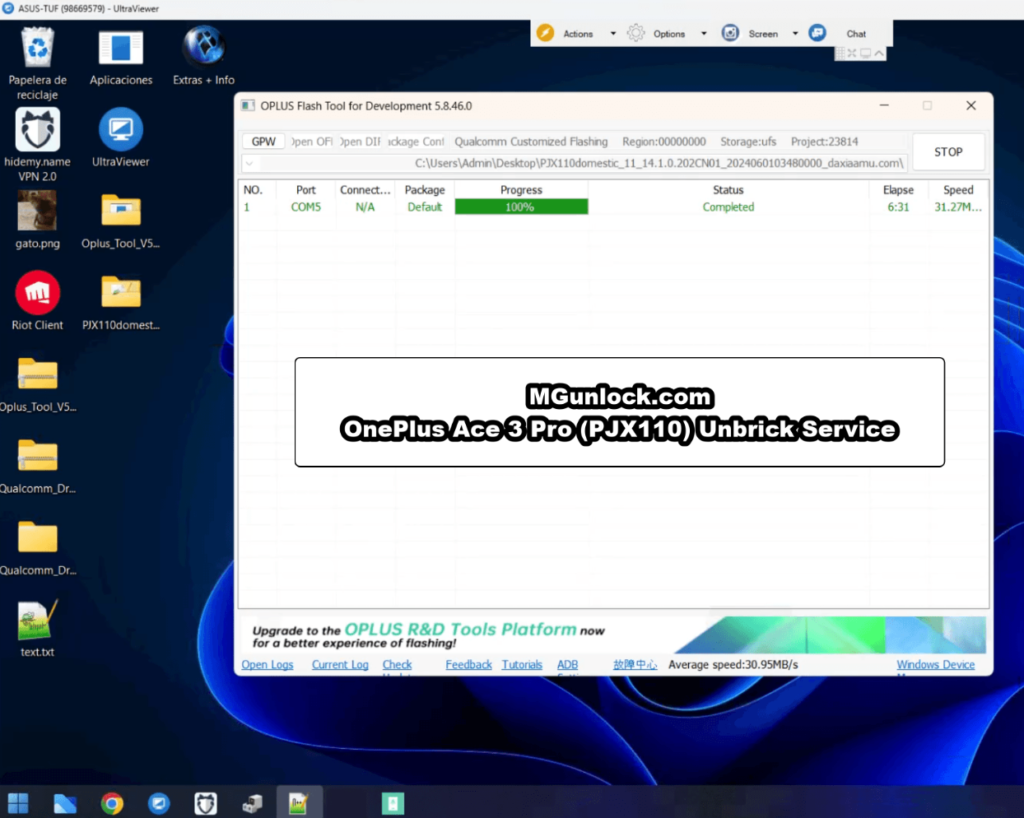
How to Unbrick OnePlus Ace 3 Pro
PJX110 Firmware (Flash File)
Restore your OnePlus Ace 3 Pro to full functionality with the official stock firmware. This flash file is designed to resolve a range of software issues, including boot loops, FRP lock, Fastboot mode errors, lost recovery, black screen in EDL mode, white screen after flashing, and devices that appear completely dead.
OPlus Flash Tool v5.6.44 requires authorized paid login credentials — old legacy MSM Tool bypass methods do not support this platform without server authentication.
OnePlus Ace 3 Pro Certified Remote Unbrick Service
Bypass server login lockouts, flashing errors, and USB driver issues. Our technical team connects remotely to supply authorized OPlus Flash Tool server credentials and safely revive your OnePlus Ace 3 Pro back to fully working condition.
- ❌ Paid Tool Authorization Required: OPlus Flash Tool requires official server login; flashing fails without active credentials.
- ❌ Driver Failure: Missing Qualcomm drivers cause “Device Not Detected” or mid-flashing disconnects.
- ❌ Power Interruption: Battery below 10% or accidental cable disconnect during flash can permanently brick UFS storage.
- ✔️ Authorized Tool Login: Our engineers provide valid login credentials during the flashing session.
- ✔️ Guided Protocol: Step-by-step verified driver setup and EDL connection checking before flashing begins.
- ✔️ Complete Support: Solves stuck Fastboot, black screen EDL, lost recovery, and FRP lock in one pass.
Step-by-Step Unbrick Guide for OnePlus Ace 3 Pro
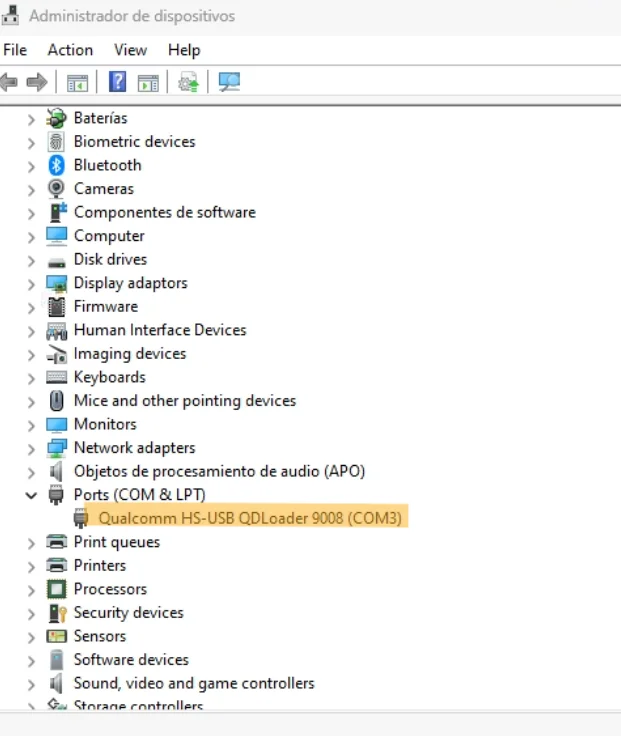
Qualcomm_Drivers_QDLoader file. Double-click the installer (keep default installation path). When Windows displays a security popup, select “Always allow / Install this driver anyway”. Once finished, choose Restart the computer now to complete installation.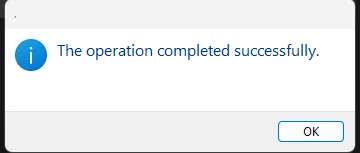
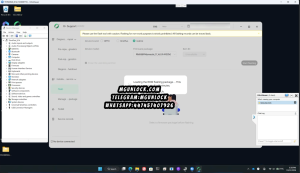
OplusFlashTool.exe as Administrator and log in with authorized account credentials. Load your extracted target firmware file in the software interface.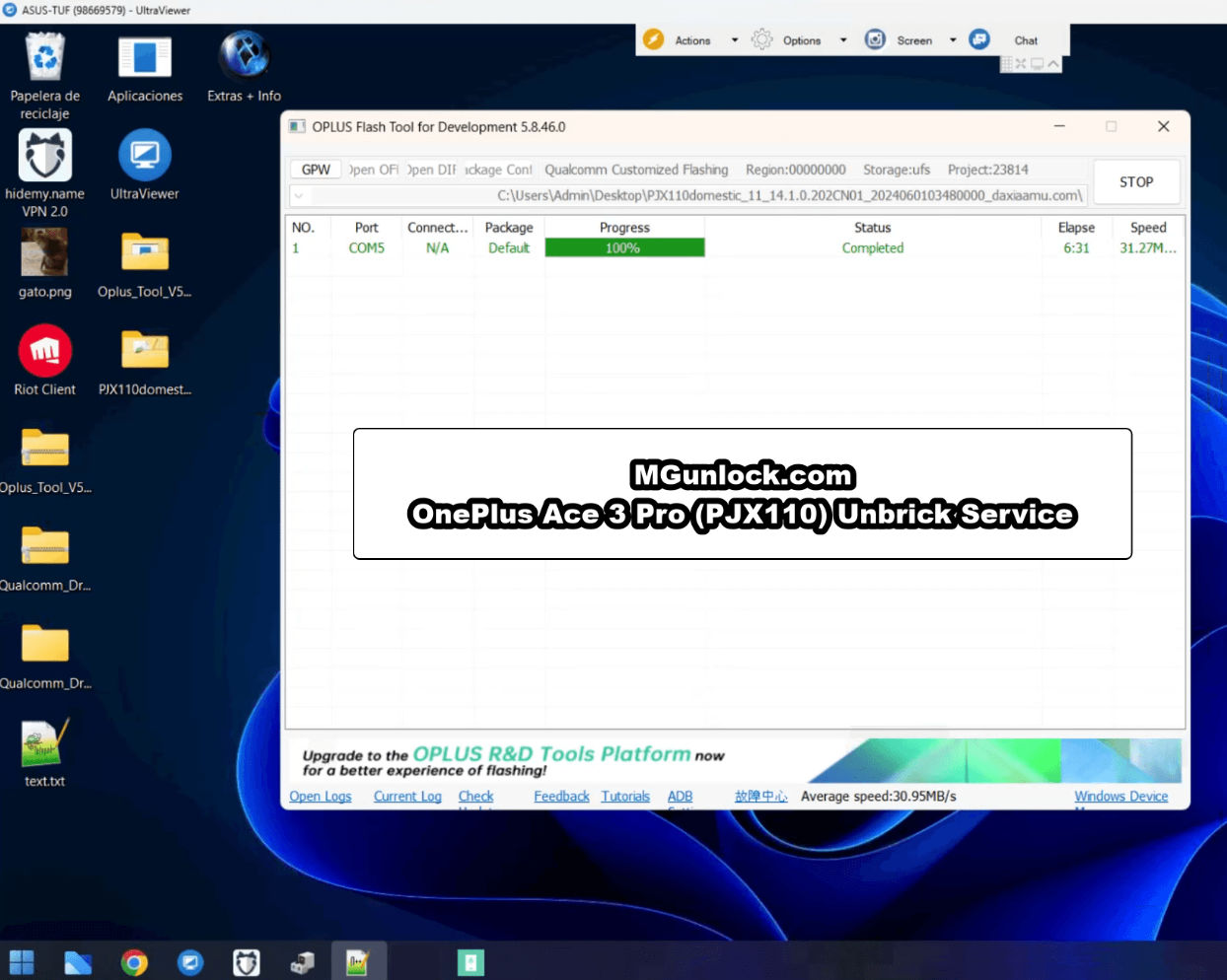
- Download and extract ROM file and OPlus Flash Tool in the same folder.
- Install
Qualcomm_Drivers_QDLoaderdriver on computer and restart PC. - Login to
OplusFlashTool.exeusing authorized credentials. - Select your matching OnePlus Ace 3 Pro stock firmware.
- Click the Start button.
- Connect phone to PC while holding Vol Up + Vol Down (EDL Mode).
- Wait until success message appears, unplug device, and switch it ON.
mgunlock.comThis is a paid tool and requires authorized server credentials. If you do not have server access, you can use our remote unbricking service below:
OnePlus Ace 3 Pro Firmware (Flash File) & Drivers
Download the official stock firmware package for the OnePlus Ace 3 Pro (China Version):
China Version — PJX110 Firmware
OPlus Flash Tool v5.6.44
mgunlock.com · Paid Tool Authorization RequiredQualcomm & MTK USB Drivers
Troubleshooting & Diagnostics
| Issue / Status | Root Cause | Solution |
|---|---|---|
| Device Not Entering EDL Mode | Loose USB connection or incorrect button timing. | Double-check button key combo step or try using a different USB cable or USB port. |
| MSM Tool / OPlus Tool Doesn’t Detect Device | Qualcomm QDLoader USB drivers not installed correctly. | Ensure Qualcomm drivers are properly installed. Restart both PC and phone, then try again. |
| Flashing Fails Mid-Process | Interrupted connection or incorrect firmware version. | Repeat the procedure or try a different matching firmware build. Perform a factory reset after unbricking. |
| Low Battery Level | Battery charge under 10%. | Ensure phone battery is charged above 10% before starting to avoid sudden power loss. |
Frequently Asked Questions
What issues does this OnePlus Ace 3 Pro firmware fix?
Do I need authorization to run OPlus Flash Tool?
How do I connect the OnePlus Ace 3 Pro in EDL 9008 mode?
Video Walkthrough: How to Unbrick OnePlus Ace 3 Pro (PJX110)
MGUNLOCK LABSNeed Help Unbricking Your OnePlus Ace 3 Pro?
Avoid flashing mistakes or tool authorization lockouts. Contact MGunlock support on Telegram or WhatsApp for authorized remote unbricking assistance.


4 Responses
The password
Your writing is so eloquent and engaging You have a gift for connecting with your readers and making us feel understood
Reading this felt like finding a long-lost treasure — a piece of writing that enlightens and comforts in equal measure.
Your writing possesses the rare ability to simplify complex ideas without losing their depth — truly remarkable.