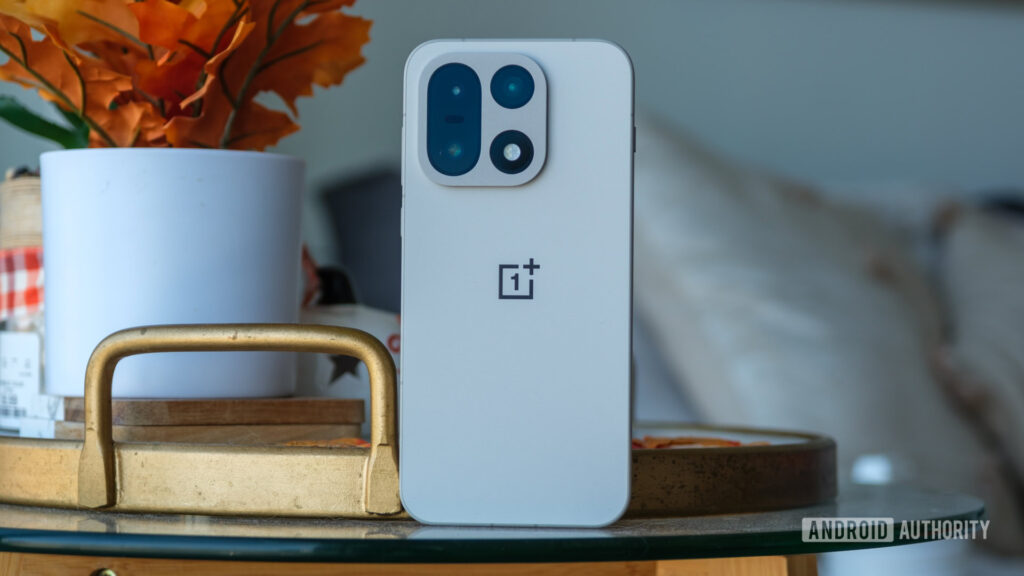
OnePlus Changes Bootloader Unlock Policy on ColorOS 16 Deep Testing Method —
OnePlus has officially updated its Bootloader unlock procedure for all devices running ColorOS 16 and newer. This new policy is designed to strengthen device security, reduce accidental data loss, and keep the system more stable and reliable.
Users who want to unlock the Bootloader can now do so only through the official Deep Testing Program, which grants unlock approval after review.
1. Deep Testing Eligibility Requirements
To qualify for the Bootloader unlock process on the OnePlus 15, applicants must meet every one of these rules:
- The device must be updated to ColorOS 16.0 or later
- The OnePlus account must have no infractions
- No Deep Testing request submitted within the last 30 days
- Device cannot be a corporate, enterprise, or carrier-locked unit
- The model must be an officially released mainland China version
Only devices that meet these criteria can apply for unlock permission.
2. What You Need to Know Before Applying
The Deep Testing Program allows Bootloader unlocking, but OnePlus highlights several important risks. Unlocking can impact device security, system features, and future updates.
Possible Issues After Unlocking
- Hardware-dependent features (like the camera) may stop working on custom ROMs
- System security becomes weaker, risking data exposure
- Modifying system files may break key OS functions
- OTA updates may fail after system modifications
- Data corruption or full data loss may occur
🔥 Important: Always back up all data before starting.
Warranty Policy After Bootloader Unlock
- Unlocking removes return or replacement eligibility
- Standard warranty remains active
- Warranty is fully restored if the device is successfully reflashed to official firmware
- If reflashing fails, warranty repair is still available (but no replacement)
3. How to Apply for the OnePlus Deep Testing Program
Follow the steps below to start the official Bootloader unlock application:
Step 1 — Make Sure Your Device Qualifies
- Confirm your model supports Deep Testing
- Install the latest official stable ColorOS build Check via: Settings → About Device → Version Information
Step 2 — Download the Official Deep Testing APK
Use the download link provided by OnePlus.
(You will insert your own link here.)
Step 3 — Submit Your Unlock Application
- Install the APK
- Sign in using your OnePlus account
- Follow the instructions shown inside the app
- Ensure Wi-Fi or mobile data is enabled during submission
Step 4 — Wait for Approval
- Review time usually takes 1–2 business days
- If approved, Bootloader unlock permissions will be activated for your device
Step 5 — Follow Future Announcements
New policy changes and updates will be shared by the official OnePlus Community account:
ColorOS Upgrade Assistant
4. Deep Testing APK Download Information
Supported device lineup:
- OnePlus 15
- OnePlus Ace 6
- OnePlus Ace 6T
- OnePlus 15R
Deep Testing APK: Download
(hhttps://bbsstatic.oneplus.com/public/apk/%E6%B7%B1%E5%BA%A6%E6%B5%8B%E8%AF%95.apkere.)
Very Important:
You Must be On ColorOS System to be able to use the Deep Test APP You can use Our Flashing Service to go back to Your Official Firmware (ColorOS)
5. Frequently Asked Questions
Q1: Does the new Bootloader policy affect older ColorOS versions?
No. Only devices running ColorOS 16+ fall under this policy.
Q2: When does the updated policy take effect?
It applies to the first wave of OnePlus devices released with ColorOS 16 in the second half of the year.
Q3: Is the Deep Testing Program available now?
Yes, it’s currently open for OnePlus 15, with more devices to follow.
Q4: Is there a quiz or test required to unlock the Bootloader?
No. You only need to submit the request through the Deep Testing APK. Approval takes 1–2 days.
Q5: Are there limits on the number of unlock approvals?
At this time, there is no limit to Bootloader unlock permissions.
Q6: How does Bootloader unlocking affect warranty?
- No returns or replacements allowed
- Normal warranty remains valid
- Full warranty returns once official firmware is restored
- If restoration fails, warranty repair is still available
Final Summary
The new OnePlus Bootloader Unlock Policy introduces a more controlled and secure approach to unlocking on devices running ColorOS 16.
Through the official Deep Testing Program, advanced users and developers can request Bootloader access safely while acknowledging the potential risks.
This policy update represents a major shift in how OnePlus handles device unlocking, aiming to protect user data while still supporting customization and development.
8 Responses
Good to see OnePlus addressing security with this bootloader change
A really good blog and me back again.
wish you best and best
All the best
Great content! Keep up the good work!
Good a blog toper
Honestly, it’s really good
So,I like it